 SketchMap Atlas
Free drawing lesson
Brick walls, tiles, roofs and fences look scary because they have hundreds of parts. The trick: don’t draw the whole surface, draw a patch and let it fade out toward the edges. Six samples on one page, and you will spot them on any street.
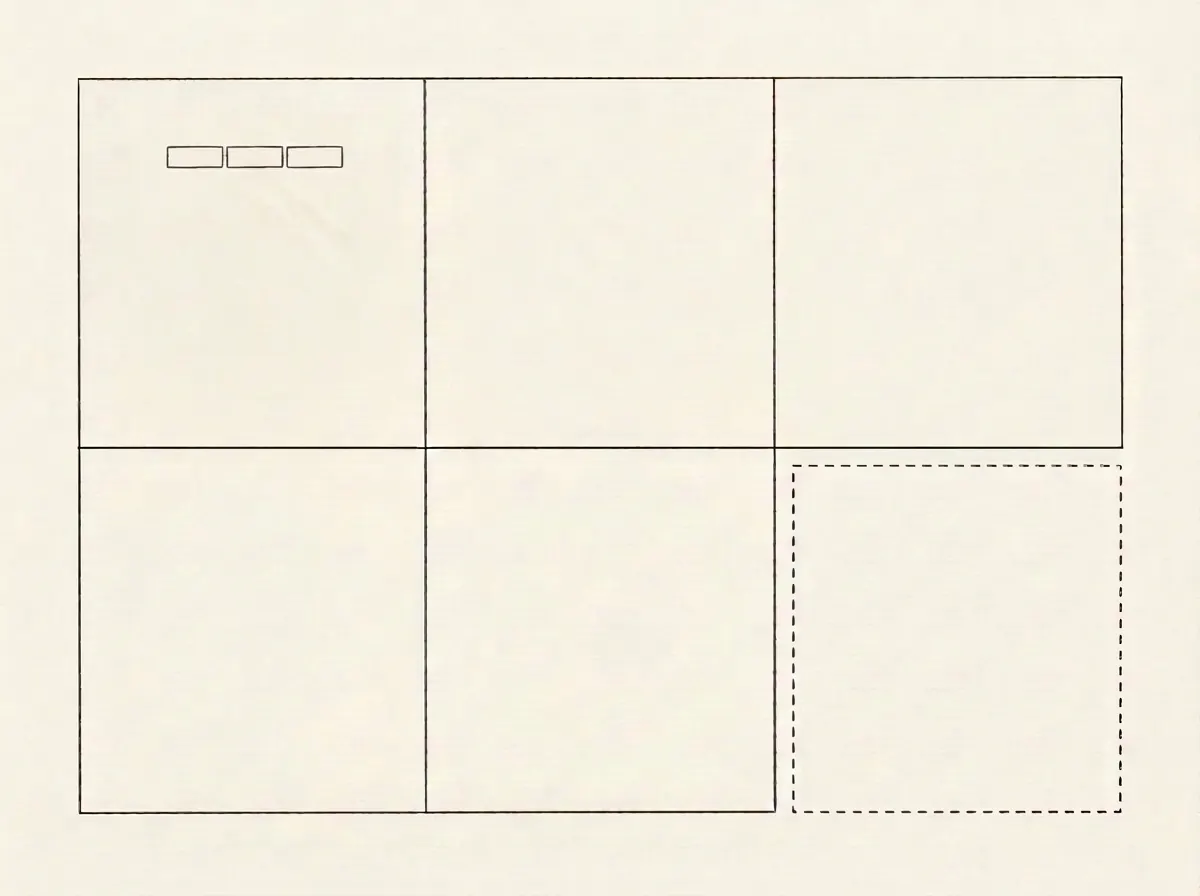
Every pattern is one part repeated in a rhythm: a brick, a tile, a board, a roof tile. Divide the page into six cells. In the first one draw a single brick and two repeats of it: that is your module.
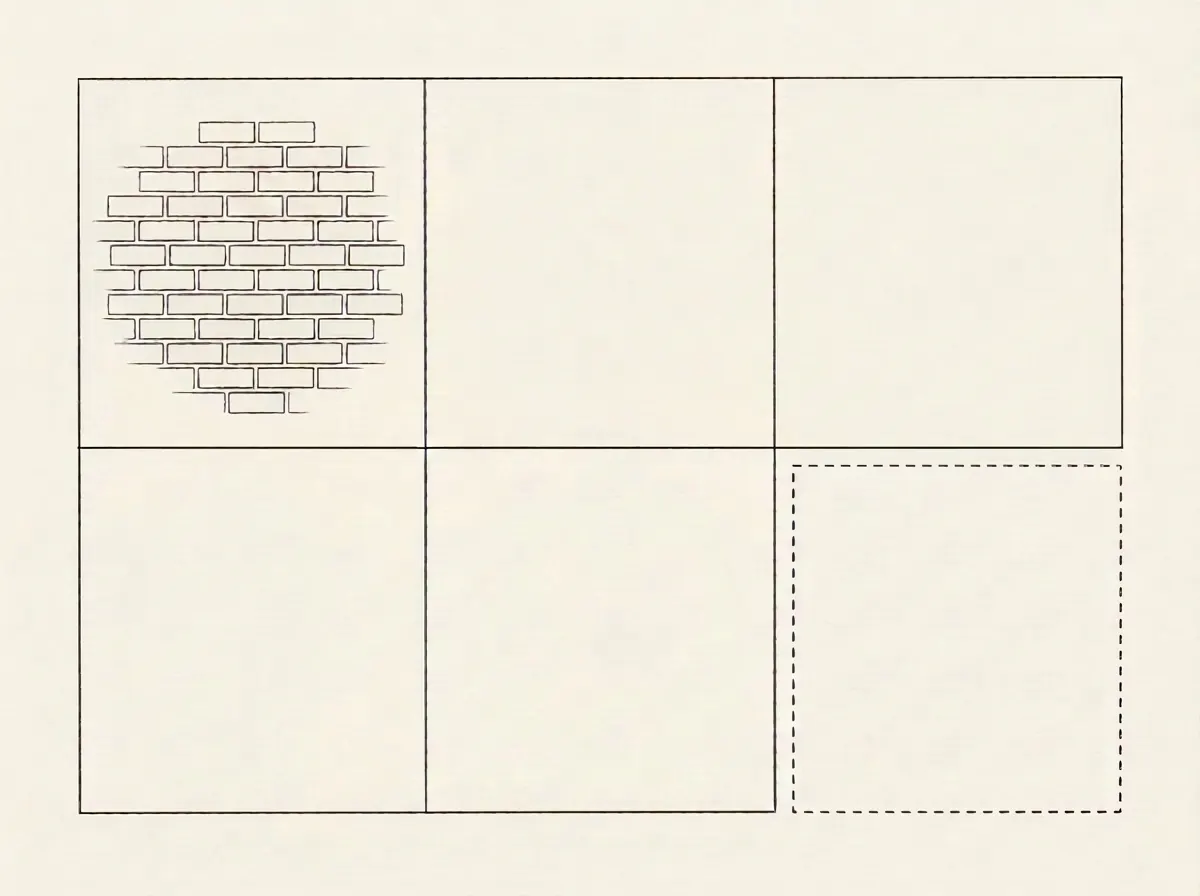
Draw the courses as slightly loose horizontals. In each next course shift the joints by half a brick. Draw bricks only in the middle of the cell, and toward the edges make them sparser and smaller until they dissolve into the paper. The eye will finish the rest.
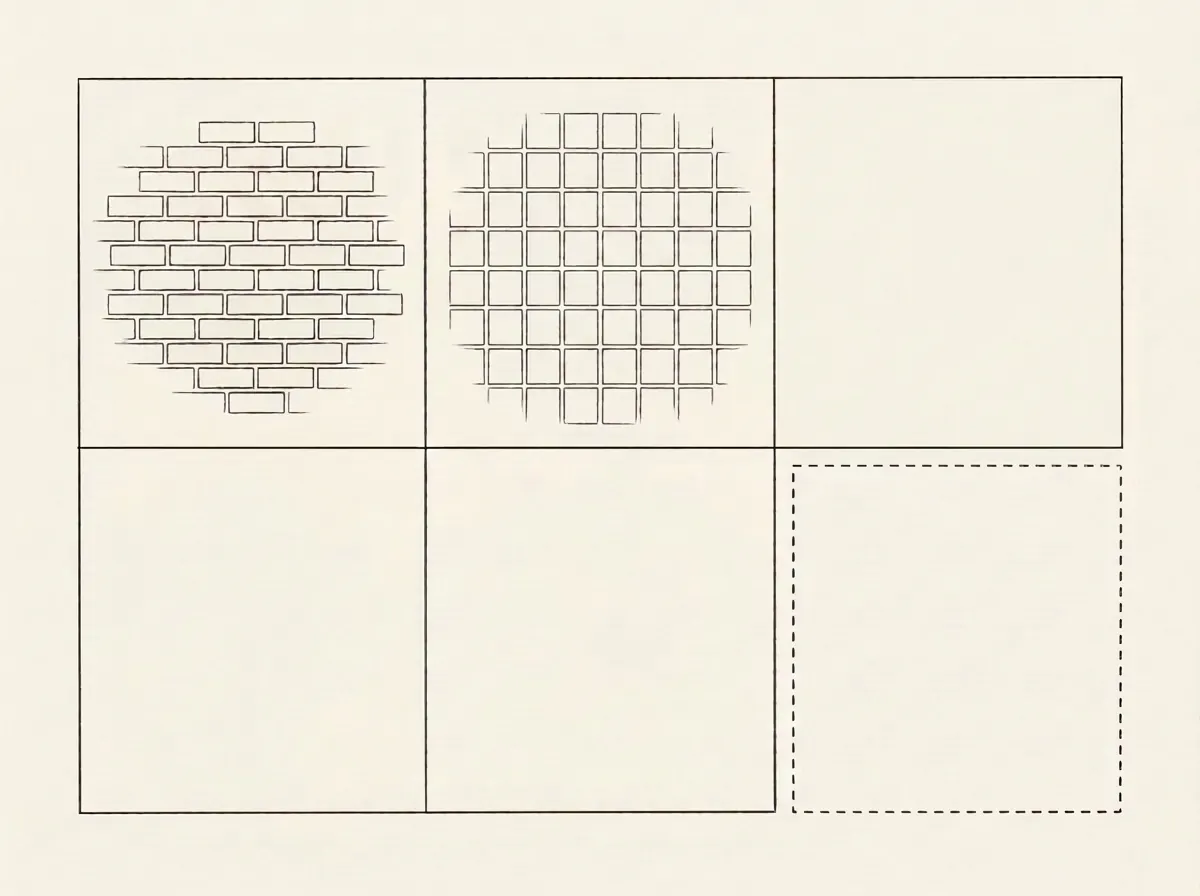
Tile joints run straight, so a ruler is fine here. Draw a grid of squares and hatch every second one for a checkerboard. Decorate one tile with a small motif and leave the rest plain.
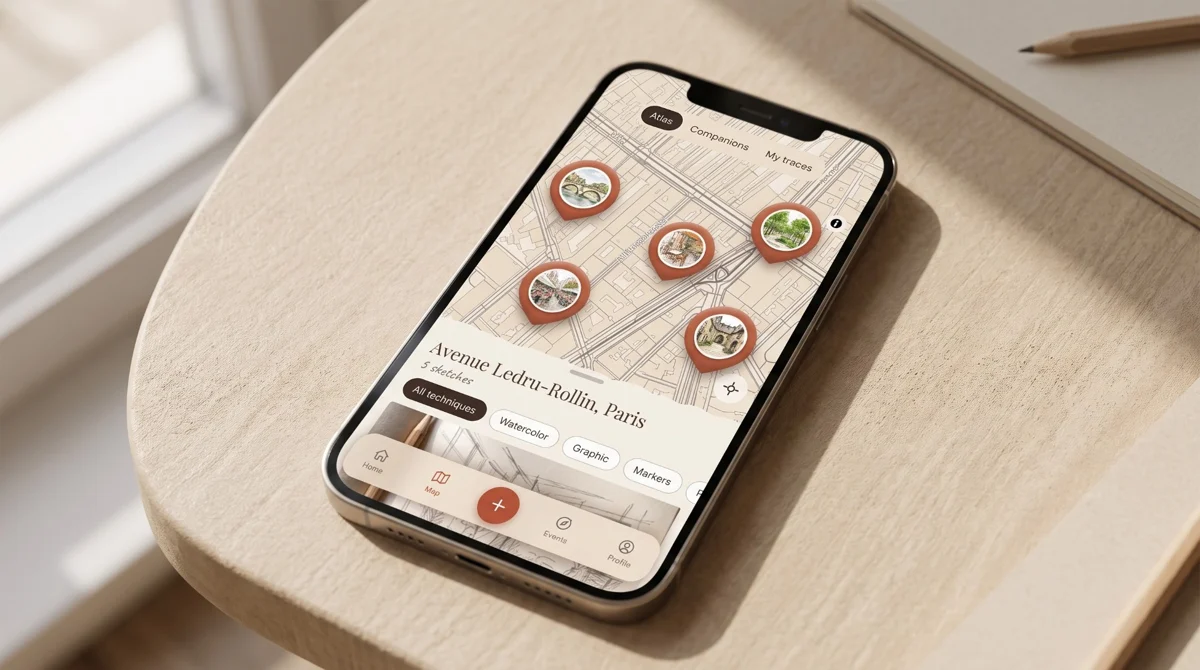
Lessons like this one, step by step, are also in the SketchMap Atlas app: Home → Art courses & workshops. Open this lesson in the app
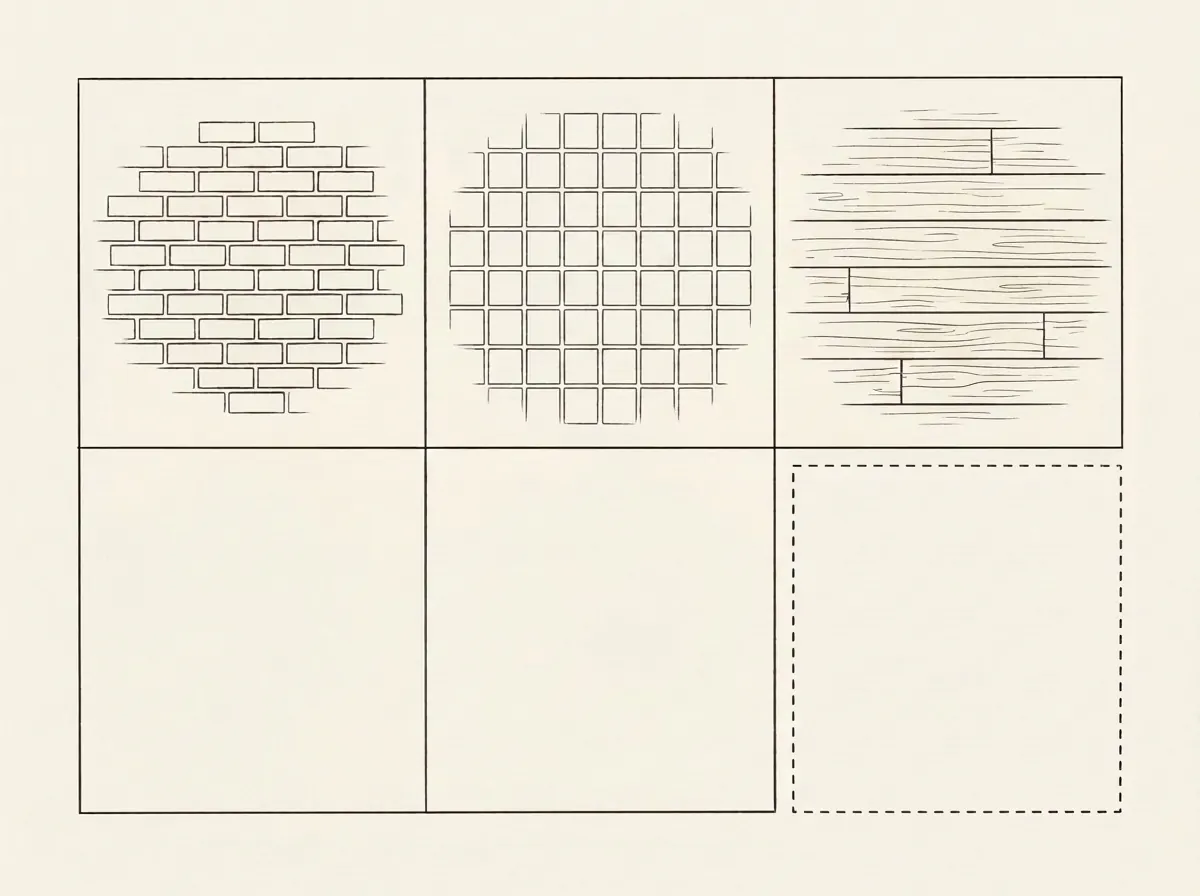
Boards are long, narrow modules. Draw parallel lines of different widths and put the joints in different places. For grain use a few thin lines along the boards and a couple of oval knots, only near the edges and in dark spots.
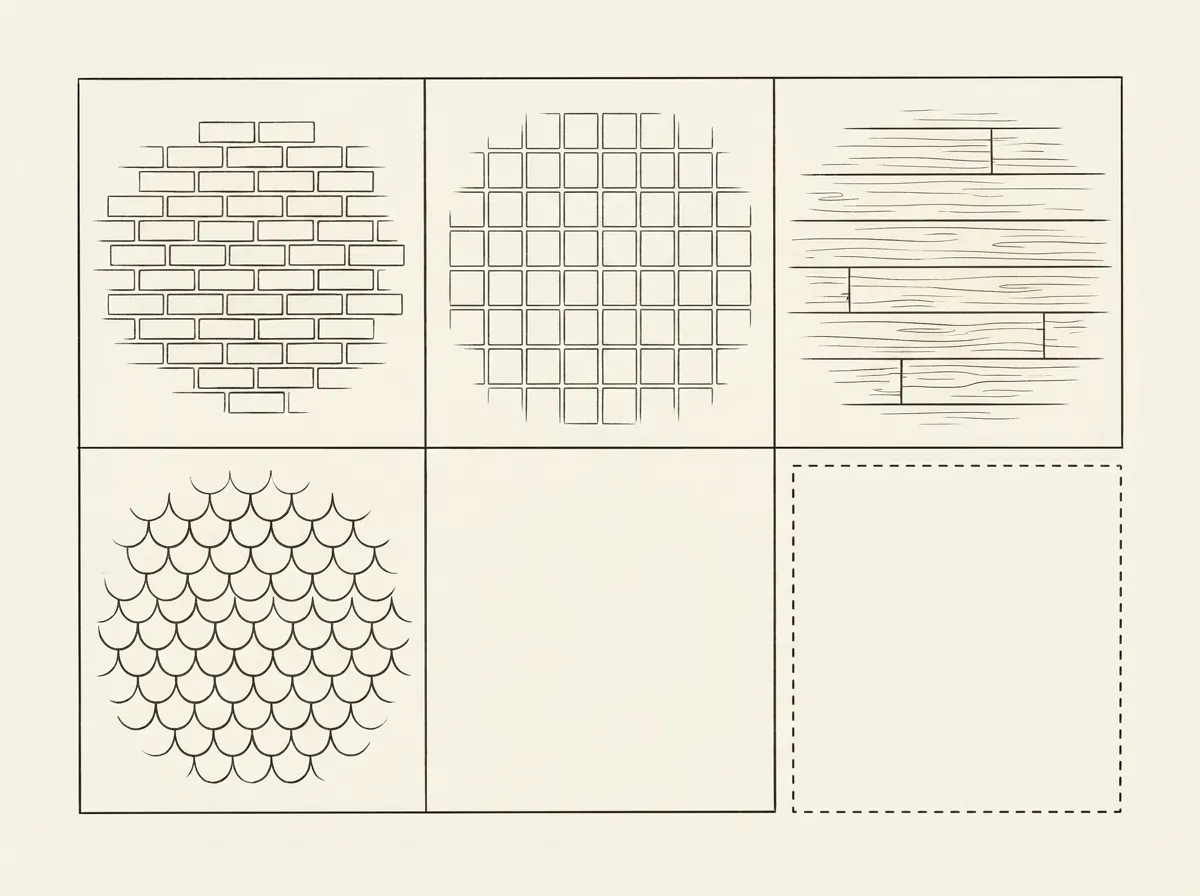
Roof tiles overlap like scales. Draw a row of arcs, put the next row between the arcs of the previous one and let it overlap a little. Add thin hatching under each row and the roof gets volume.
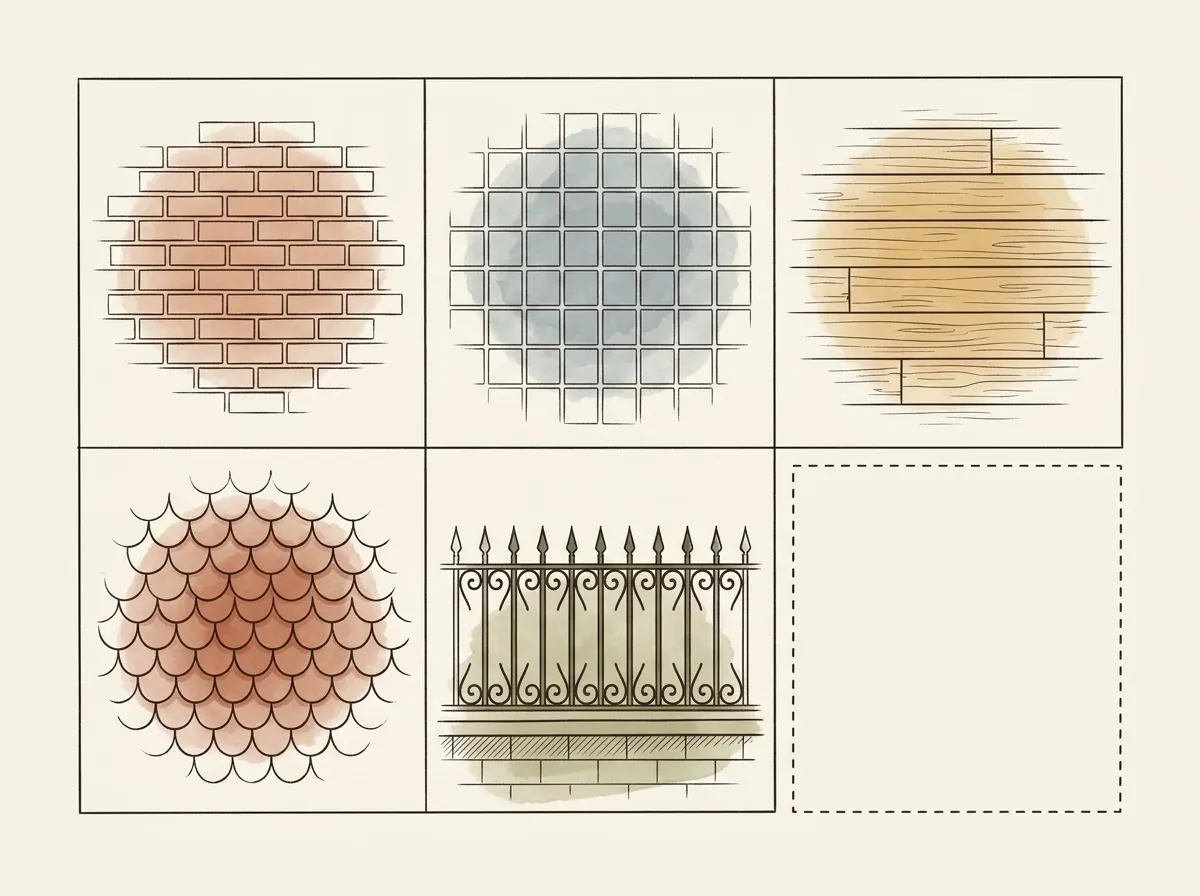
A fence is a rhythm of verticals and the gaps between them. Draw two horizontals, place bars at even intervals, and give a few of them points or curls. Then add one thin colour to each sample. Keep the sixth cell for your own pattern: cobblestones, mosaic or balcony rails.
Master classes and weekly challenges are inside the app. Draw on paper, photograph the page and pin it to the map where you made it. Free to start.
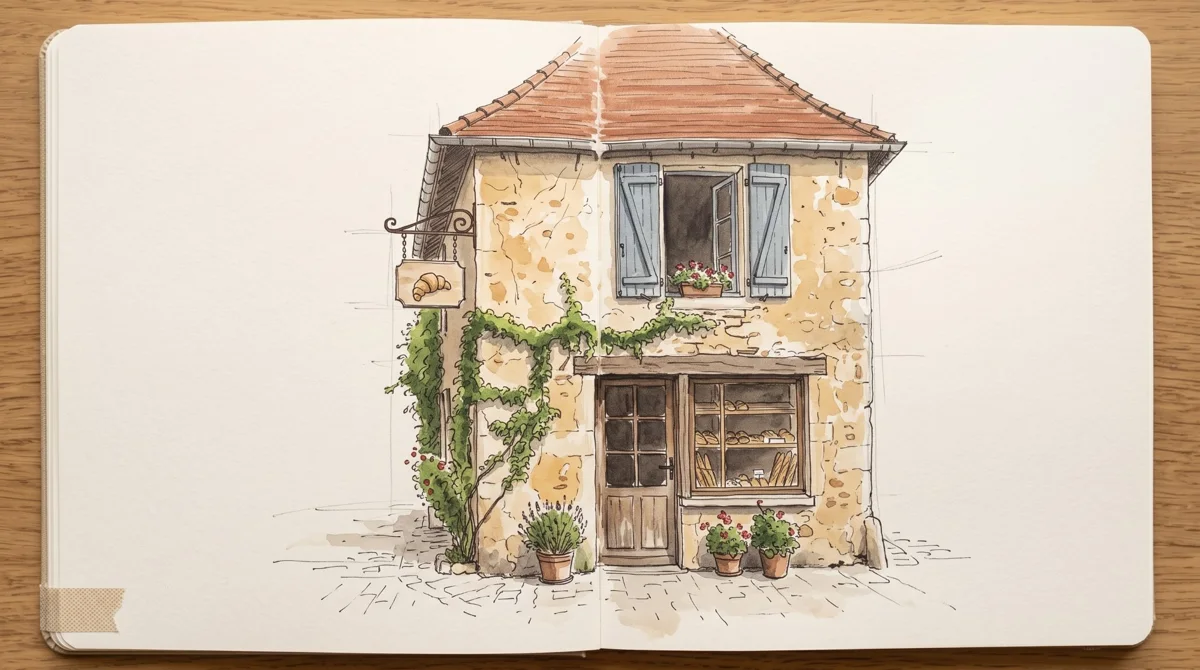 My first sketch40 minutes
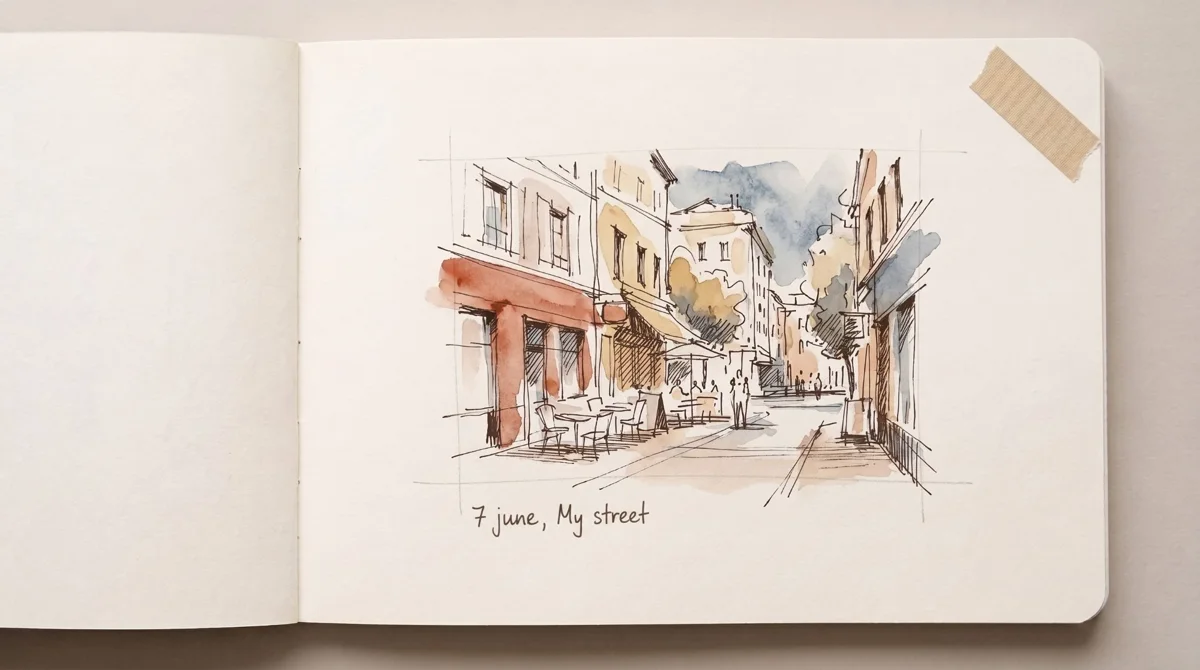 A 15-minute sketch15 minutes
 A route through my city1 week
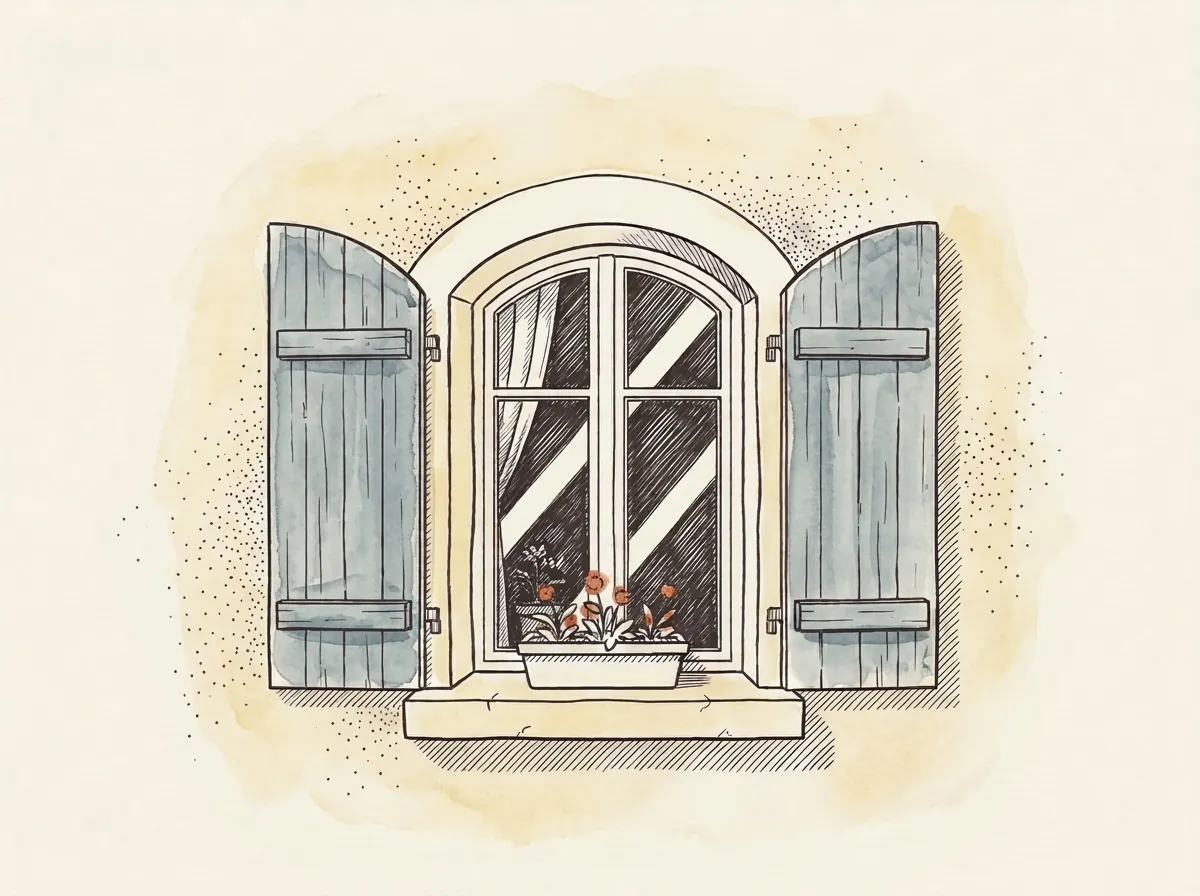 Drawing Windows30 minutes
All lessons · How SketchMap Atlas works
Updated 2026-11-09