 SketchMap Atlas
A sketchbook on a world map
SketchMap Atlas is a free app and website where each drawing is pinned to the real place and date it was made. You can explore other people’s sketches on a world map without signing up, publish your own from a photo, and keep private pages in a personal sketchbook.
Drag the sketch onto the map, or press “Pin it”. This is what happens when you publish your own work.
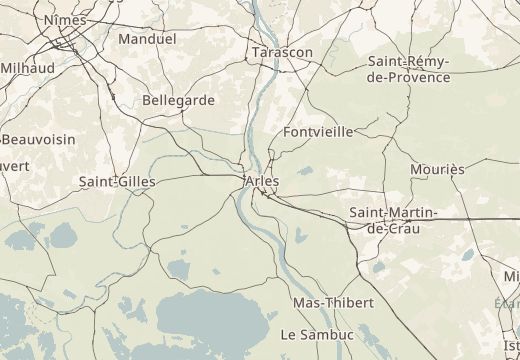 Place du Forum, Arles
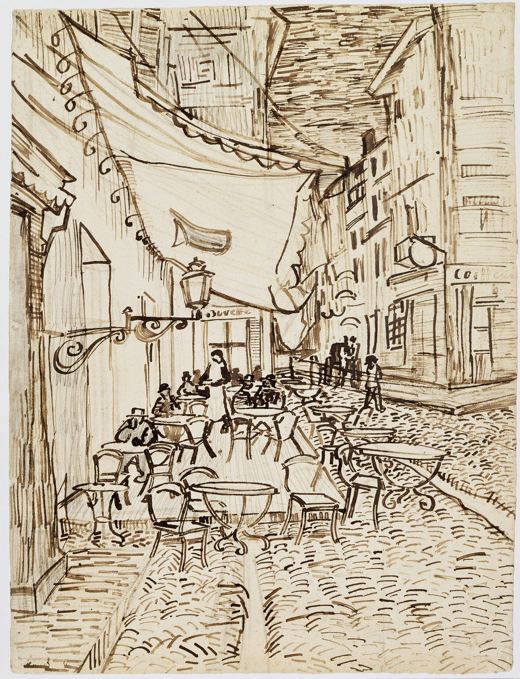 Café Terrace, Arles
The sketch now stays at its place, with its date, next to the other drawings. Yours would sit right beside it.
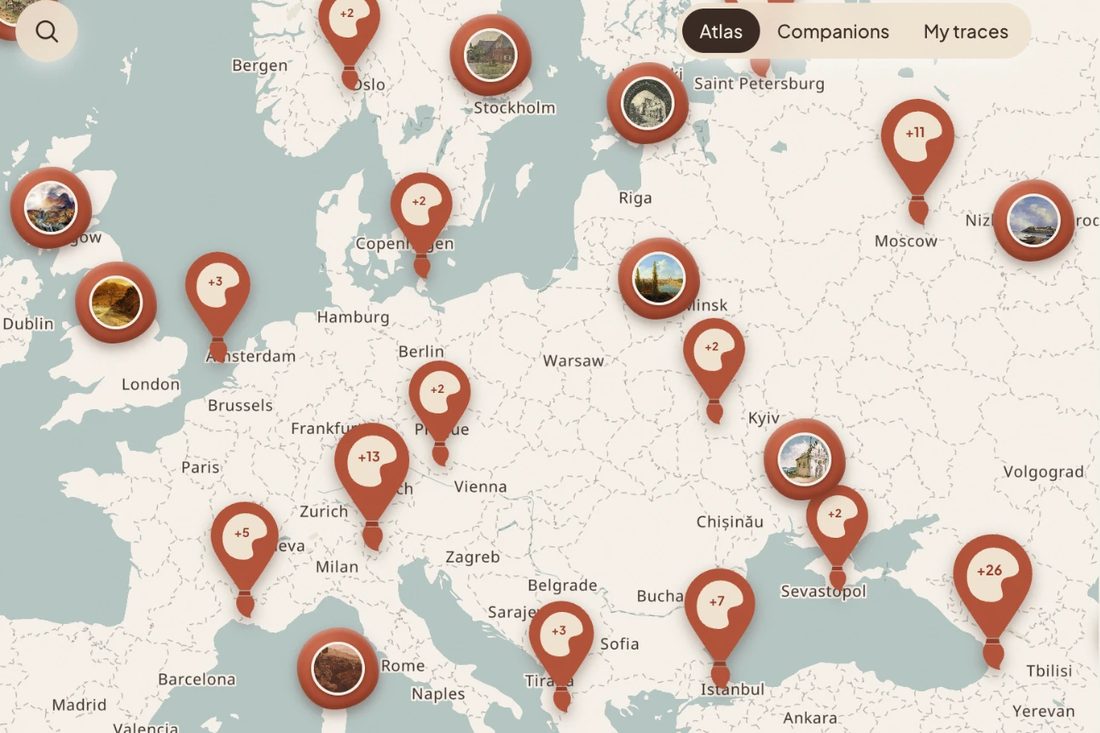
Open the map and zoom into any city. Round seals show where drawings cluster; zoom in and the sketches appear at their places. You can look at every public sketch without signing up.
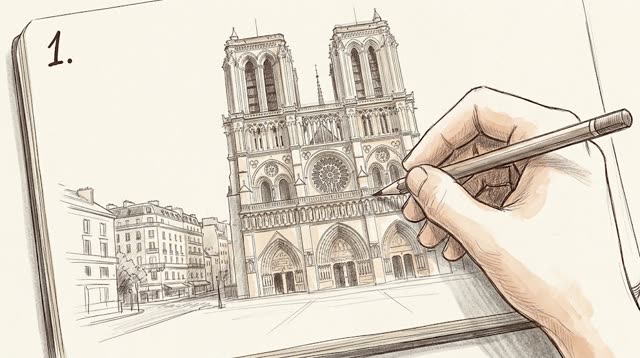
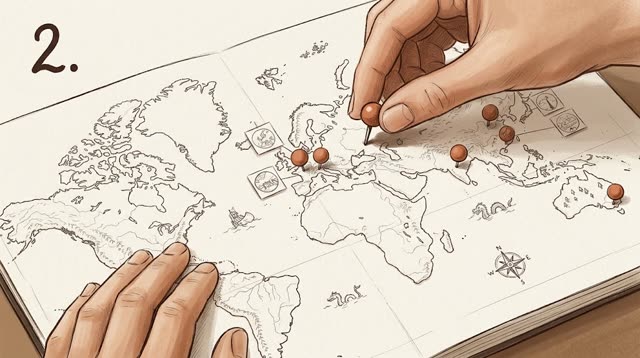
Draw on paper or on a tablet, in any app. Photograph the page, set the place from the photo’s location data or by searching for it, add a title and a date, and publish. Publishing needs a free account.
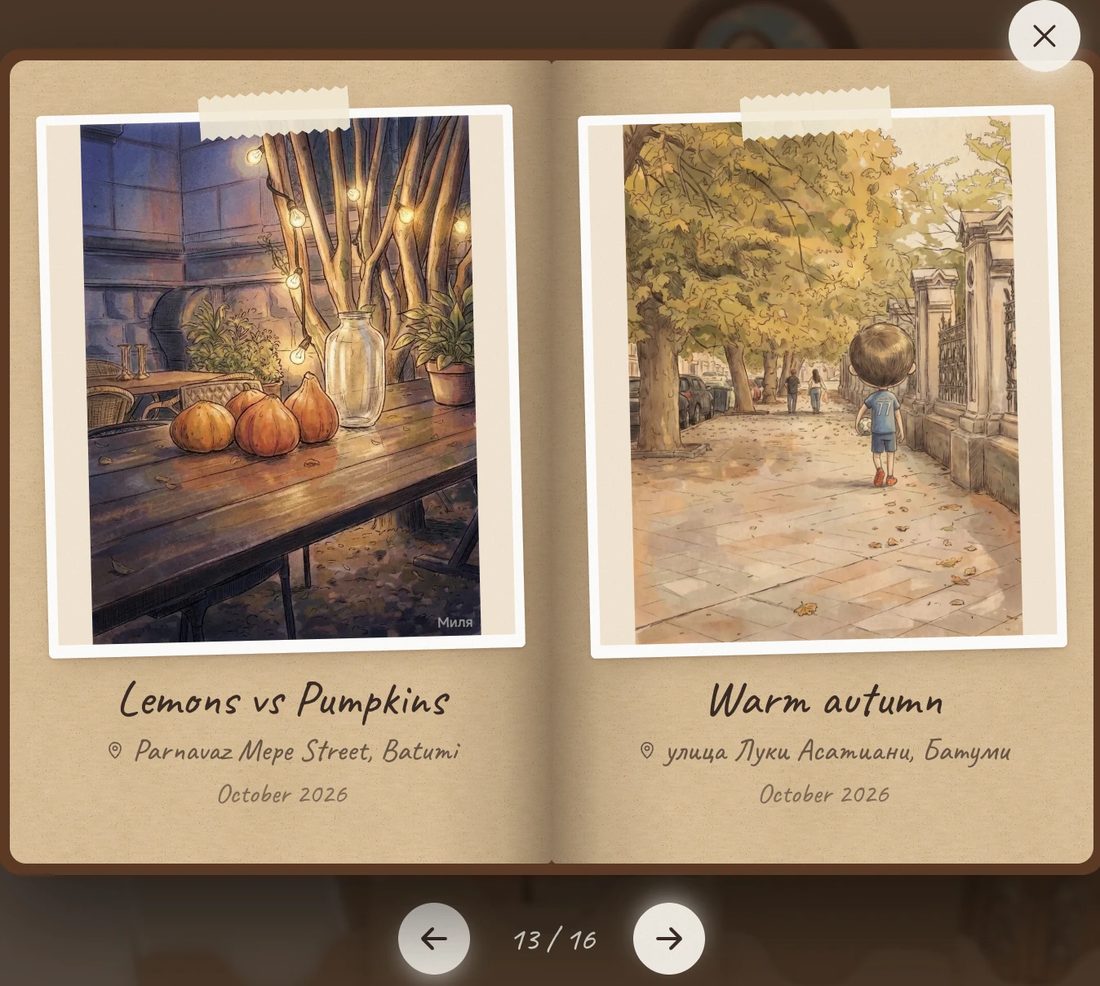
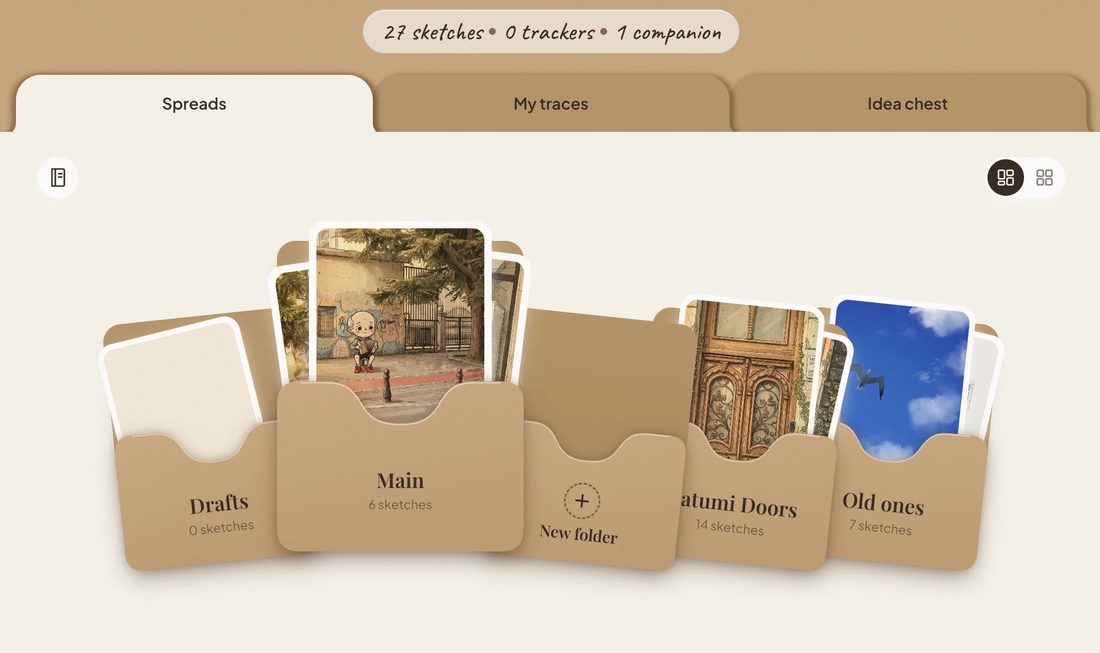
Sort your sketches into folders, keep drafts, and see your own “My traces” map of the places you have drawn. The free plan holds up to 30 works and 3 folders. The paper sketchbook stays the original; SketchMap Atlas is the index and a way to show a page.
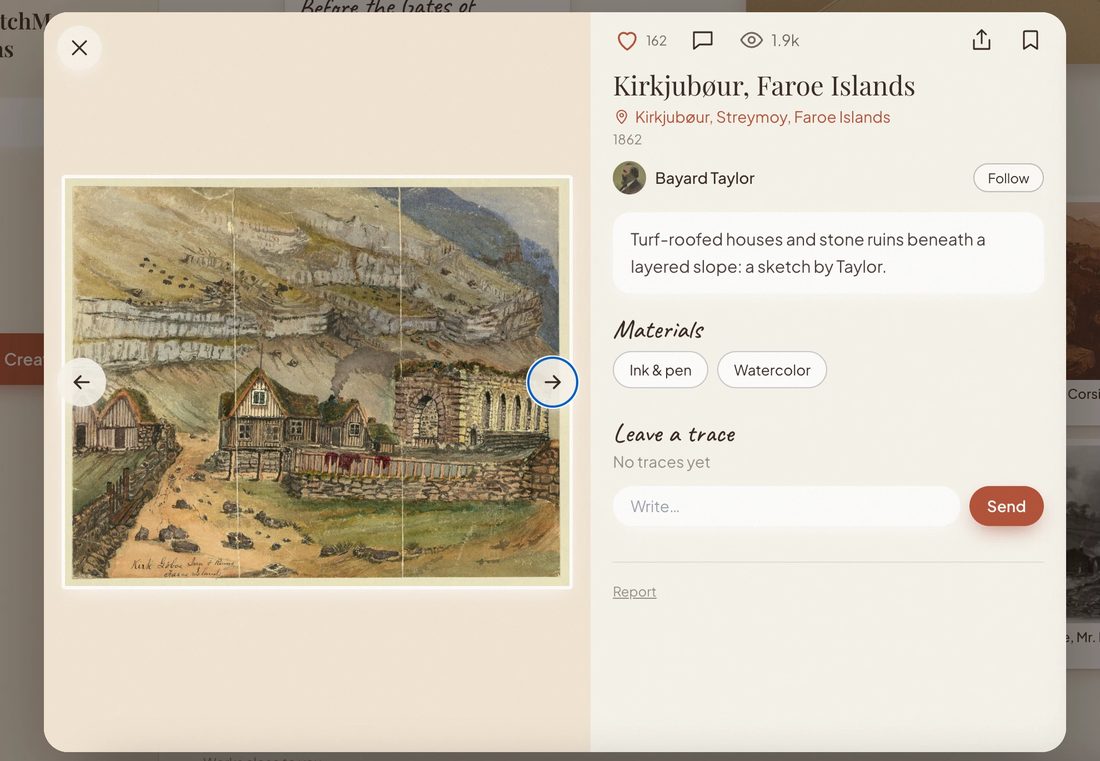
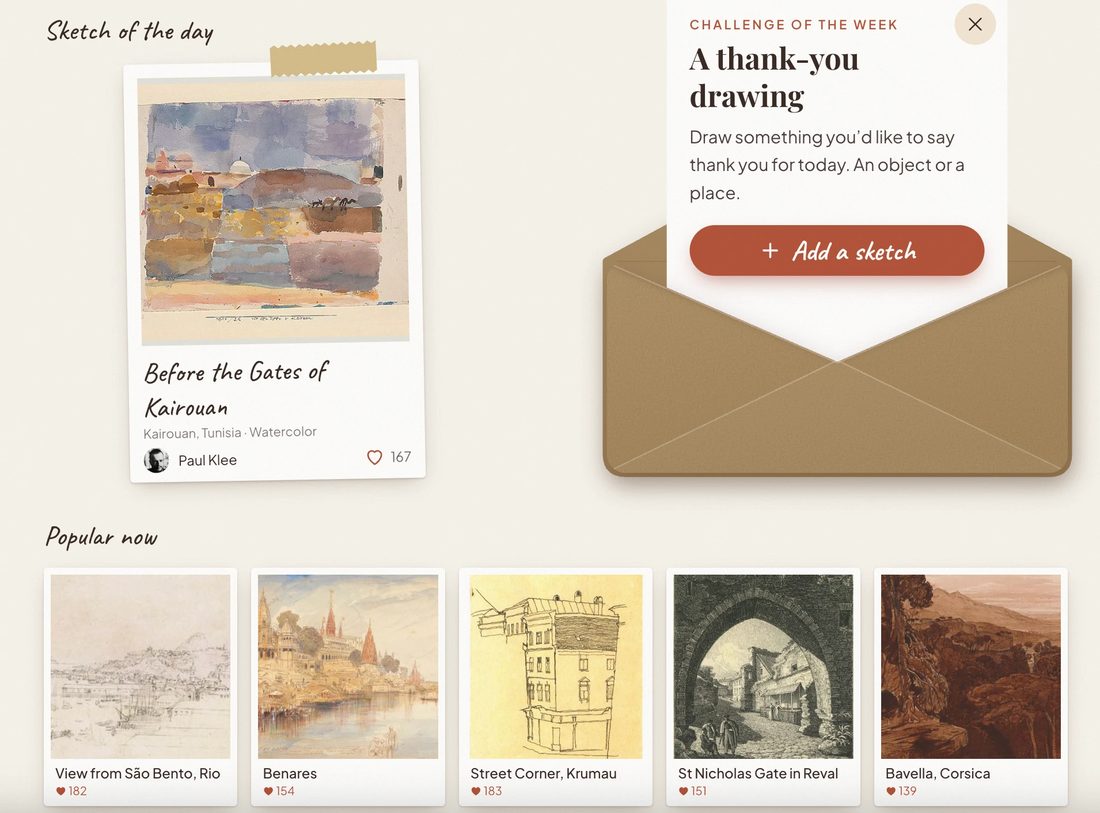
Follow artists to see their new sketches, take the weekly challenge, or walk a sketching route. Any work can be hidden from the shared map so only you see it. Do not publish works from home: the place is shown exactly as you set it.
| Free | Creator | |
|---|---|---|
| Works and folders | Up to 30 works, 3 folders | No limits |
| Map, gallery, weekly challenge | Included | Included |
| ZIP export and PDF art book | — | Included |
| Sponsored cards | Shown | None |
| Links to Instagram, Behance, website | — | Included |
Creator is from $3.99 a month or $30 a year, billed through Google Play. Master (events, master classes and courses) is coming soon. See pricing.
No. You can open the SketchMap Atlas map and look at every public sketch without signing up. A free account is needed only to publish your own work, follow artists and keep a sketchbook.
Add a photo of the sketch, set the place from the photo’s location data or by searching for it, add a title and a date, and publish. The sketch appears on the world map at that place, next to other people’s drawings.
No. SketchMap Atlas is not a drawing canvas. You draw on paper or in any drawing app, then photograph or export the page and pin it to the map with its place and date.
Yes. Switch on “Hide from the shared map” and only you will see the work, in your profile and on your “My traces” map. Please do not publish works from home on the shared map.
There is no native iPhone app. The web version of SketchMap Atlas works in Safari on iPhone and can be added to the Home Screen, where it opens like an app.
With a Creator plan you can download all your works as a ZIP file. You can also delete your account in the app: Settings → Delete account.
Updated 6 November 2026