How to Make a Route-Map Page in Your Travel Journal (5 Easy Steps)
A route-map page puts a whole trip on one spread: where you went, in what order and what it looked like. It takes about 30 minutes, and it works for a weekend away or a month on the road. Here are 5 easy steps.
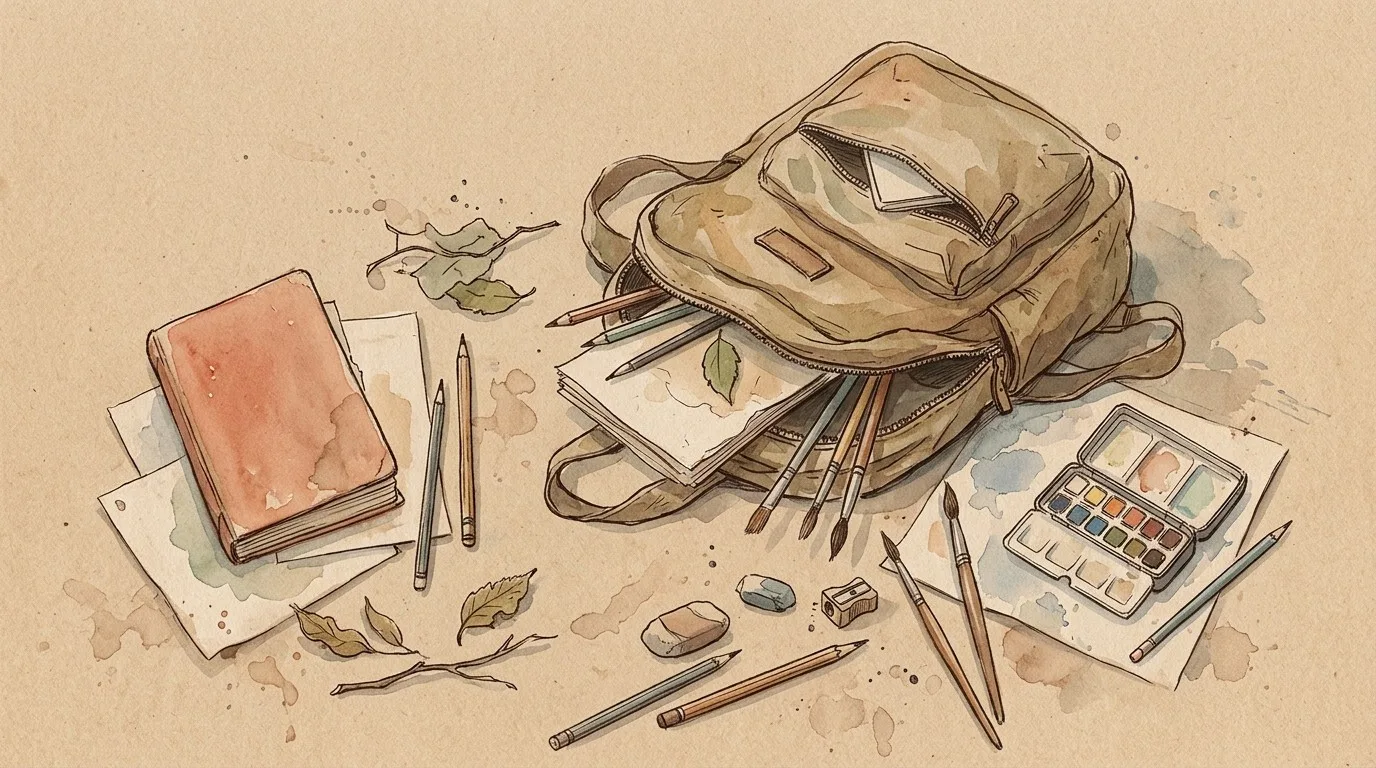
What you need
- A journal page or a spread.
- A pencil, a pen and one or two colours.
- Tickets, a map fragment or a receipt (optional).
- Glue or tape.
Step 1: Draw the route line
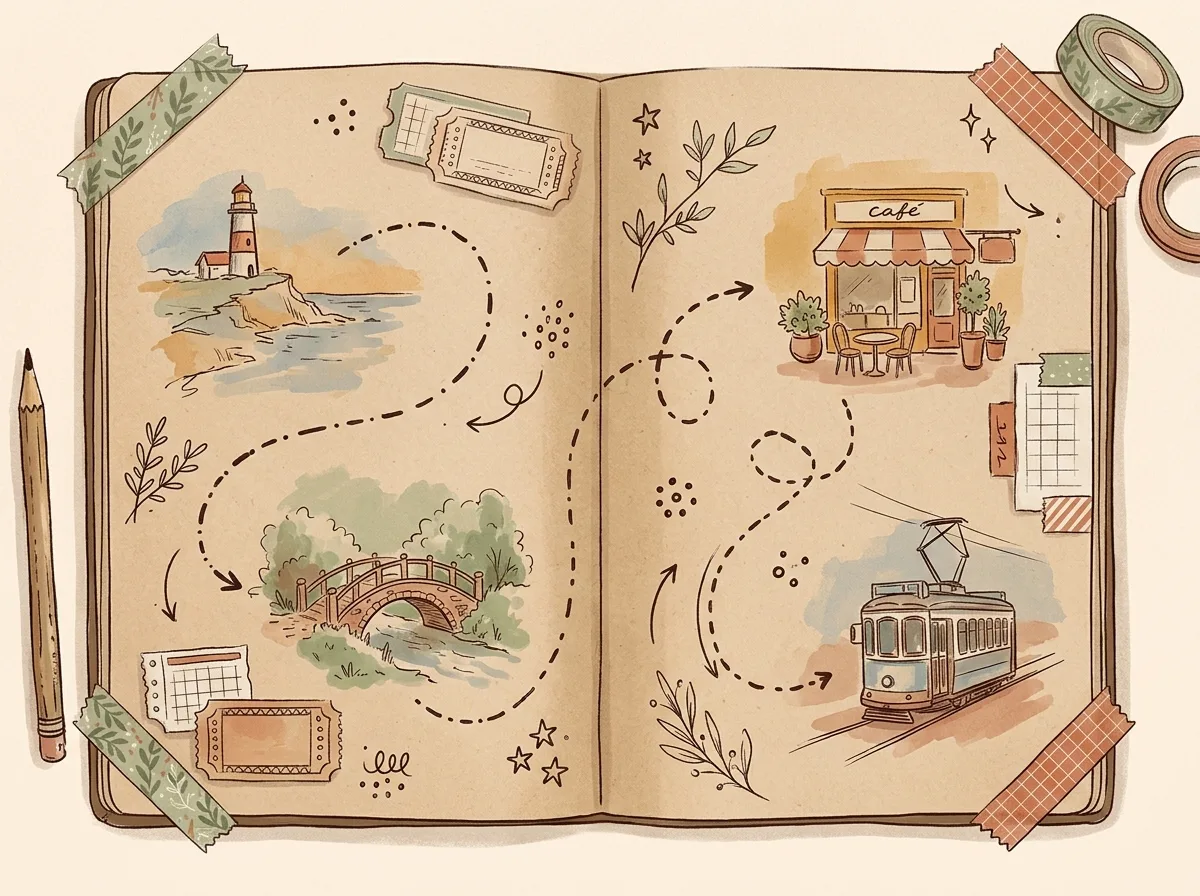
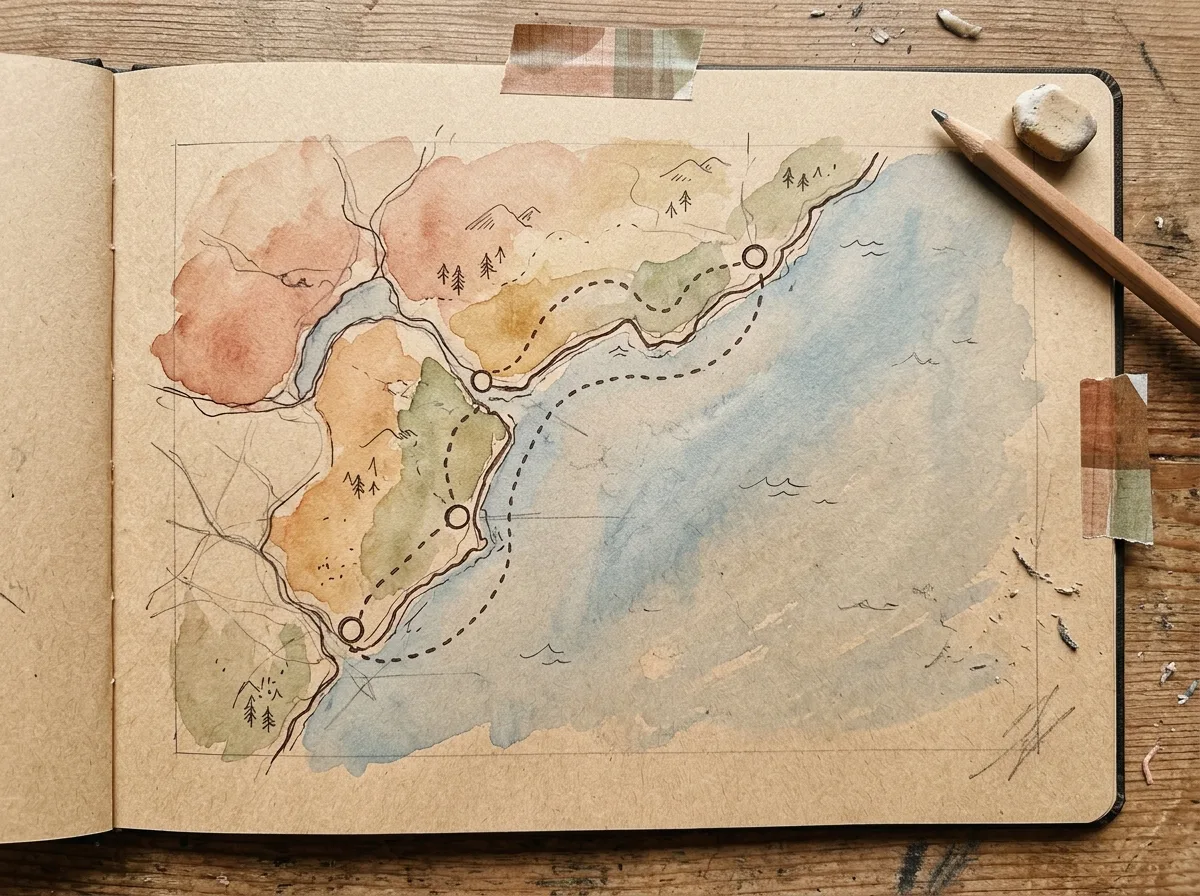
Start with a pencil. Mark the start and the end of your trip, then draw a wavy line between them. The line doesn't have to be accurate; a rough shape of the coast, a river or a road is enough. Draw it as a dotted line so you can add stops later.
Step 2: Mark the stops
Add 3–5 small circles or pins along the line, one per stop. Number them in the order you visited. Fewer stops make a calmer page.
Step 3: One tiny sketch per stop
Next to each stop draw something small and recognisable: a bridge, a café, a lighthouse, a tram. About the size of a stamp. This is the part that makes the page yours.
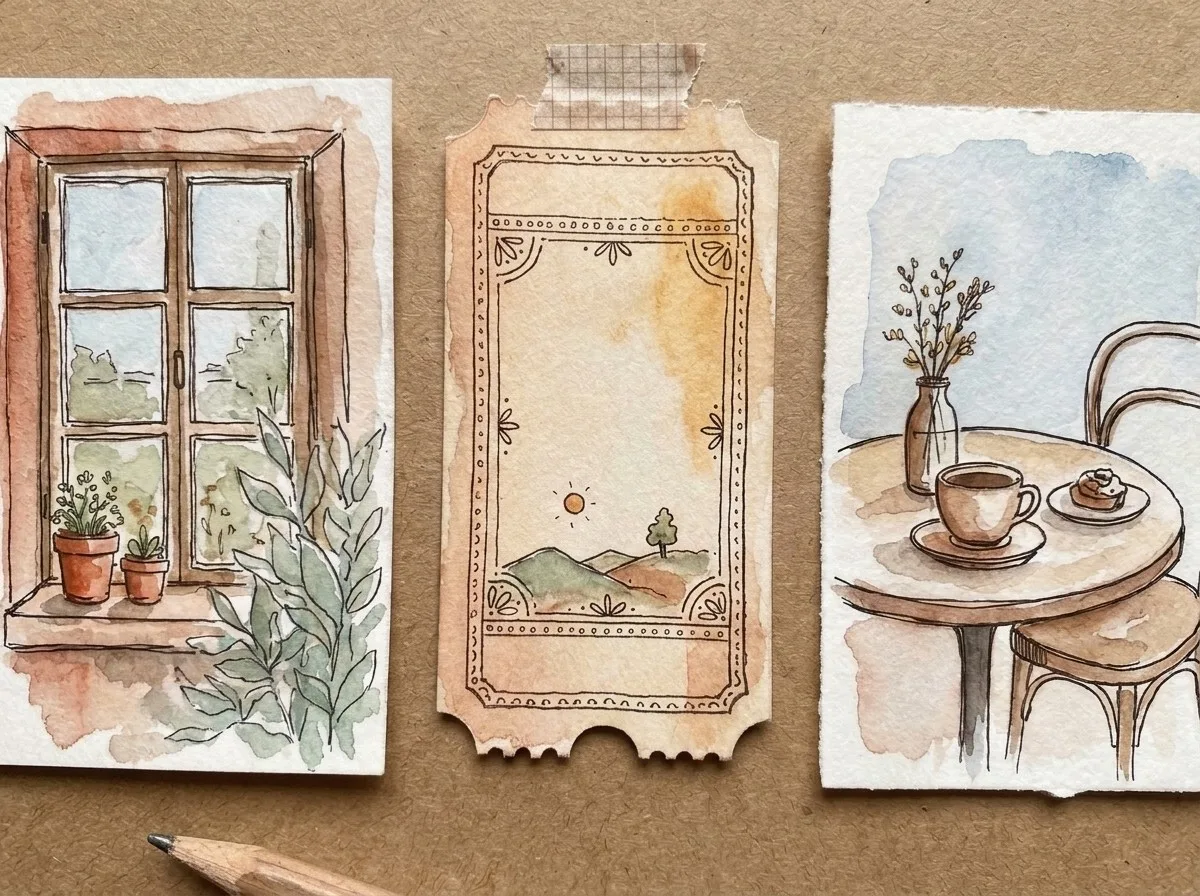
Step 4: Glue the tickets, add dates
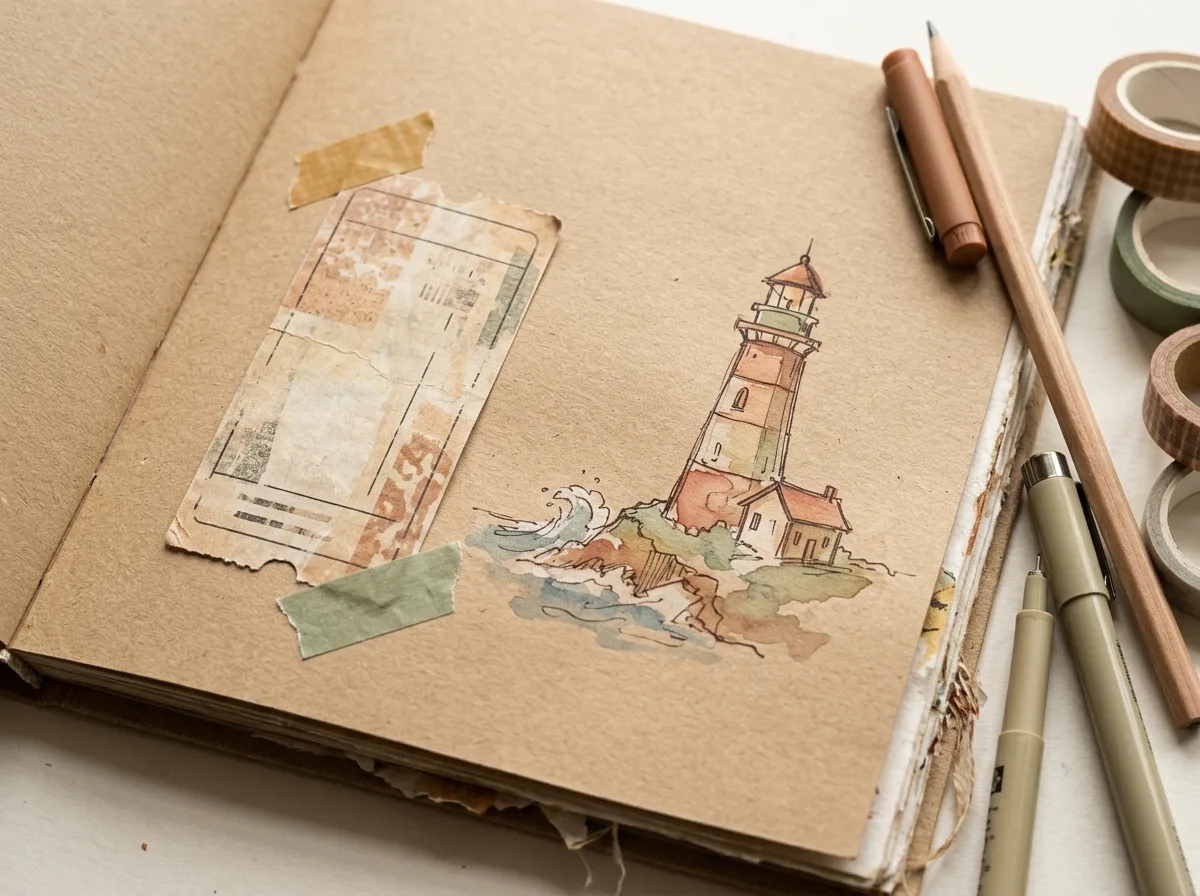
Tape a ticket or a stub near its stop and write the date and place name beside it. This is the step that turns a drawing into a record.
Step 5: Go over it in pen
Trace the route line and the sketches in pen, erase the pencil, and add a short title ("Autumn in the north", whatever you'd call the trip). Colour one detail on each stop with a single wash.
Draw it, then pin it on the map
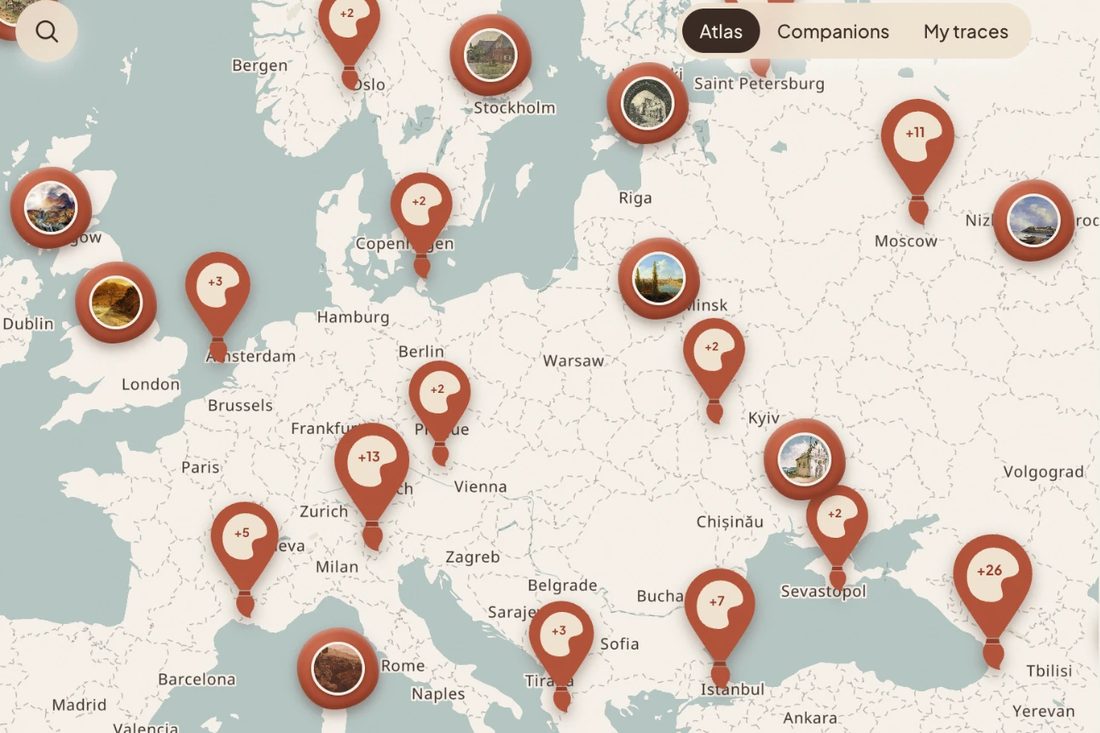
You'll notice that the page is already a map. In SketchMap Atlas, a free app for sketchers, each sketch can be pinned at the real place with its date, so your paper route and the real map match.
Quick fixes
- The route is too long for the page: make the map a strip along one side and the sketches a column on the other.
- You forgot a stop: add it as a small flag with a note.
- It looks messy: add a margin line and a title. Everything looks more finished with a frame.
After the trip: keep the page, pin the sketches
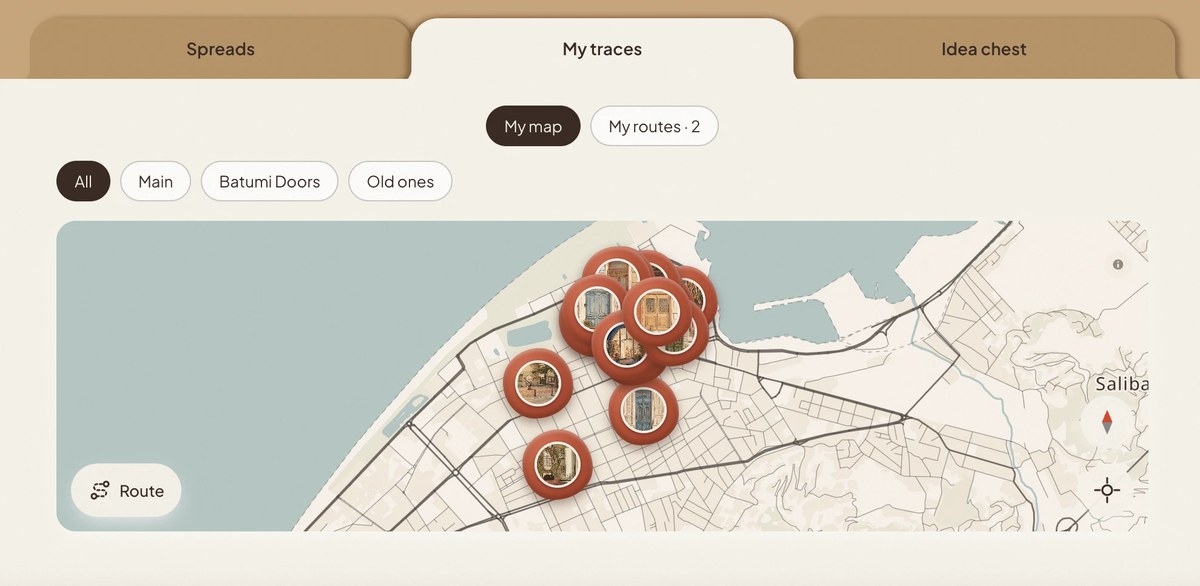
Photograph the finished page. In SketchMap Atlas you can add each sketch with the place and date and see the trip as a path across the world map; the free plan keeps up to 30 works and 3 folders, and any page can be hidden from the shared map. You can also browse the map without signing in, to see how other artists drew the places on your route, including classic sketches by old masters placed where they were drawn.
More to explore
- 10 Travel Journal Ideas to Copy: nine more pages for the same trip.
- Routes: see how other artists mapped a walk.
- Places: browse sketches by city.
Questions
Do I need to draw well to make a route map?
No. A wobbly line and five small sketches already make a good page.
Should the map be accurate?
No. The order of the stops matters more than the shape.
Illustrations in this article are AI-generated (Google Flow).